> ## Documentation Index
> Fetch the complete documentation index at: https://flowdrop.mintlify.site/llms.txt
> Use this file to discover all available pages before exploring further.
# Embedding the editor
> Mount the FlowDrop visual workflow editor in any web page.
**What you'll learn**
How to install FlowDrop and mount a blank workflow editor canvas in your
application.
The most minimal FlowDrop setup is just the editor itself: an empty canvas with
no nodes in the sidebar and no workflow loaded. Even empty, you can zoom (scroll
wheel) and pan (click and drag the background).
## Set up a project
FlowDrop's UI is built with Svelte 5, so your bundler needs the Svelte plugin to
compile it — even though you won't write any Svelte yourself. Here's a complete,
working [Vite](https://vite.dev/) setup; it's exactly what the runnable example
(`apps/tutorials/01-embedding-the-editor` in the FlowDrop repo) uses.
```bash npm theme={null}
npm install @flowdrop/flowdrop @iconify/svelte @xyflow/svelte
npm install -D vite @sveltejs/vite-plugin-svelte svelte
```
```bash pnpm theme={null}
pnpm add @flowdrop/flowdrop @iconify/svelte @xyflow/svelte
pnpm add -D vite @sveltejs/vite-plugin-svelte svelte
```
```js vite.config.js theme={null}
import { defineConfig } from 'vite';
import { svelte } from '@sveltejs/vite-plugin-svelte';
export default defineConfig({
// FlowDrop ships Svelte components — the plugin compiles them for you.
plugins: [svelte()],
// The mount call uses top-level await, which needs a modern target.
build: { target: 'es2022' }
});
```
```html index.html theme={null}
```
**SvelteKit users can skip the Vite steps.**
Using **SvelteKit** or another Svelte toolchain? The Svelte plugin is already
configured. **React** and **Vue** apps need the plugin just like vanilla JS
does.
## Mount the editor
With the project set up, two imports in your entry file (`src/main.js`) are all
you need:
```js theme={null}
import { mountFlowDropApp } from '@flowdrop/flowdrop/editor';
import '@flowdrop/flowdrop/styles';
```
Then mount it into any container element:
```js theme={null}
const app = await mountFlowDropApp(document.getElementById('editor'), {
height: '100vh'
});
```
That's it. The editor renders a pannable, zoomable canvas with a grid background.
### What `mountFlowDropApp` returns
The mount function returns a controller object you can use later:
```js theme={null}
const app = await mountFlowDropApp(container, options);
// Check if the user has unsaved changes
app.isDirty();
// Get the current workflow data
app.getWorkflow();
// Clean up when done
app.destroy();
```
## The complete project
Once you've followed the steps above, your project has just four files. This is
the whole thing — the runnable
[`apps/tutorials/01-embedding-the-editor`](https://github.com/flowdrop-io/flowdrop)
example mirrors it exactly:
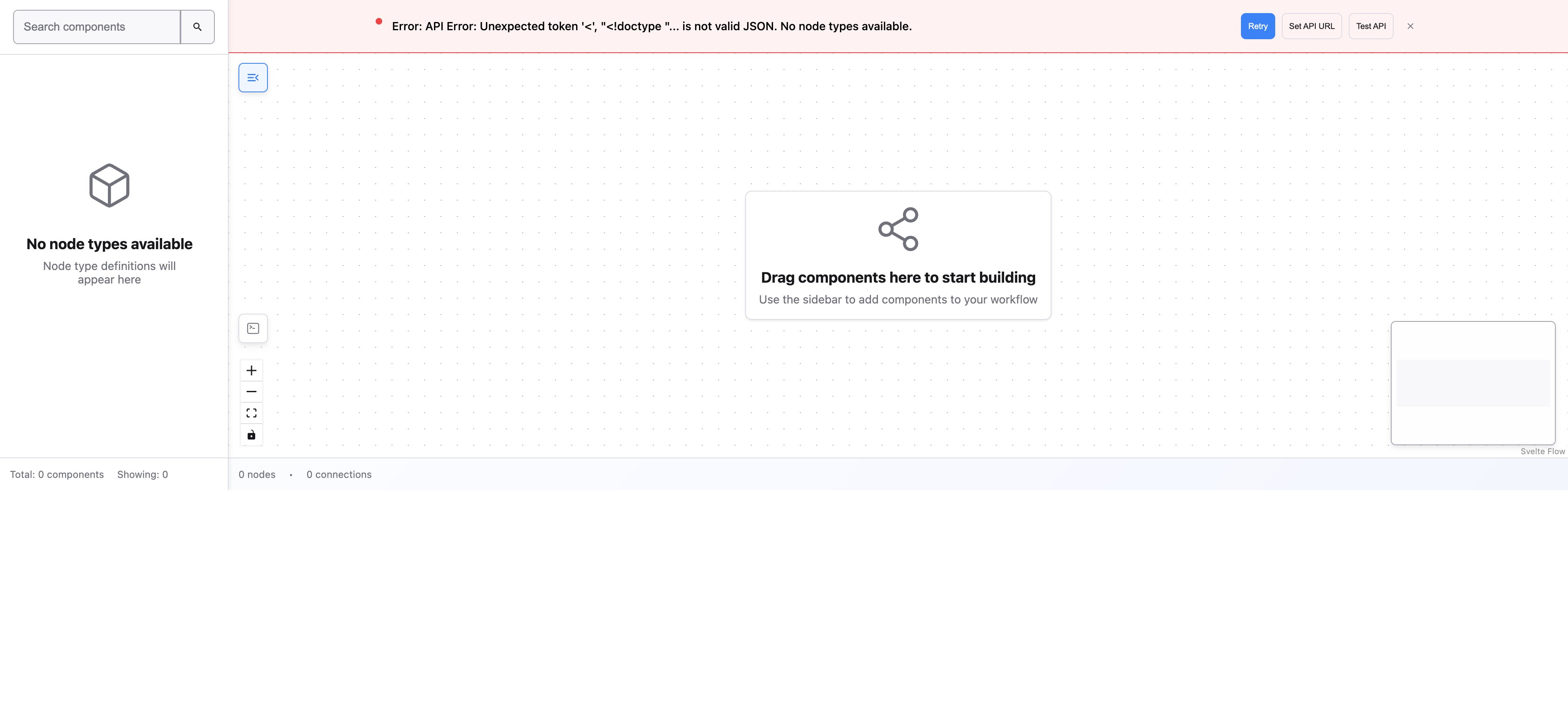
Run `npm run dev` (or `pnpm dev`) and open the printed URL. You'll see the empty
editor canvas:
 ## Using with Svelte
If you're building a Svelte application, you can use the `WorkflowEditor` component directly:
```svelte theme={null}
## Using with Svelte
If you're building a Svelte application, you can use the `WorkflowEditor` component directly:
```svelte theme={null}
```
## What's next
The editor is running, but there's nothing to build with yet. Before adding nodes, you need to tell FlowDrop where your backend API lives.
***
**Tutorial — Step 1 of 5**
[Next: Configuring endpoints →](/tutorial/02-configuring-endpoints)